
Get Ludoo. In beta on both phones.
The beta is open to everyone, on both phones. The shared board already runs in any browser.
Ludoo for iPhone · this device
Through Apple's TestFlight. Open the link on your iPhone and install.
Get it on TestFlight → Android · Google Play early accessBetaLudoo for Android · this device
Through early access on Google Play. Open the link on your phone and install.
Get it on Google Play → TV · any browserLiveThe shared board · this device
table.ludoo.online on a TV, laptop or projector. Nothing to install.
Open a table →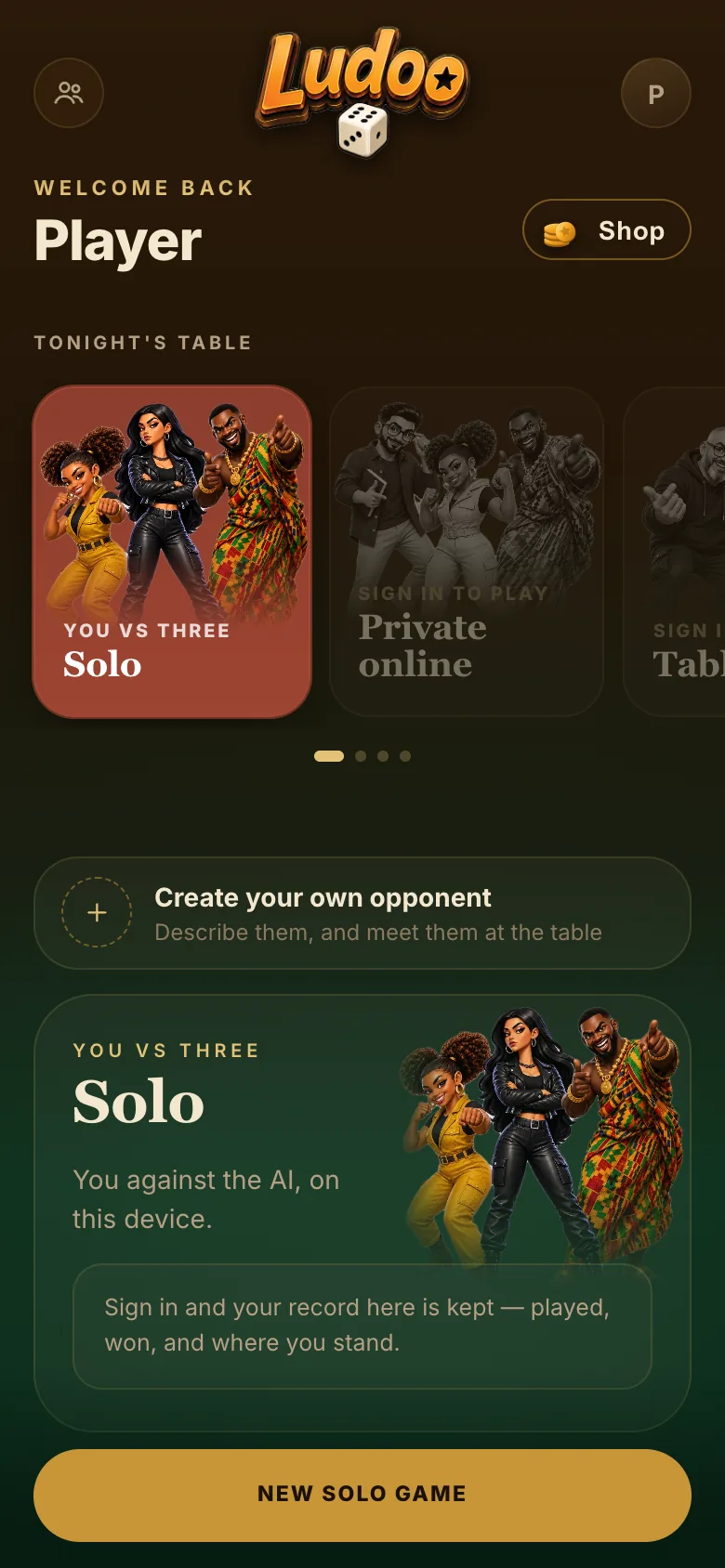
Install
Through Apple's free TestFlight app on iPhone, or straight from Google Play on Android.
Install and play
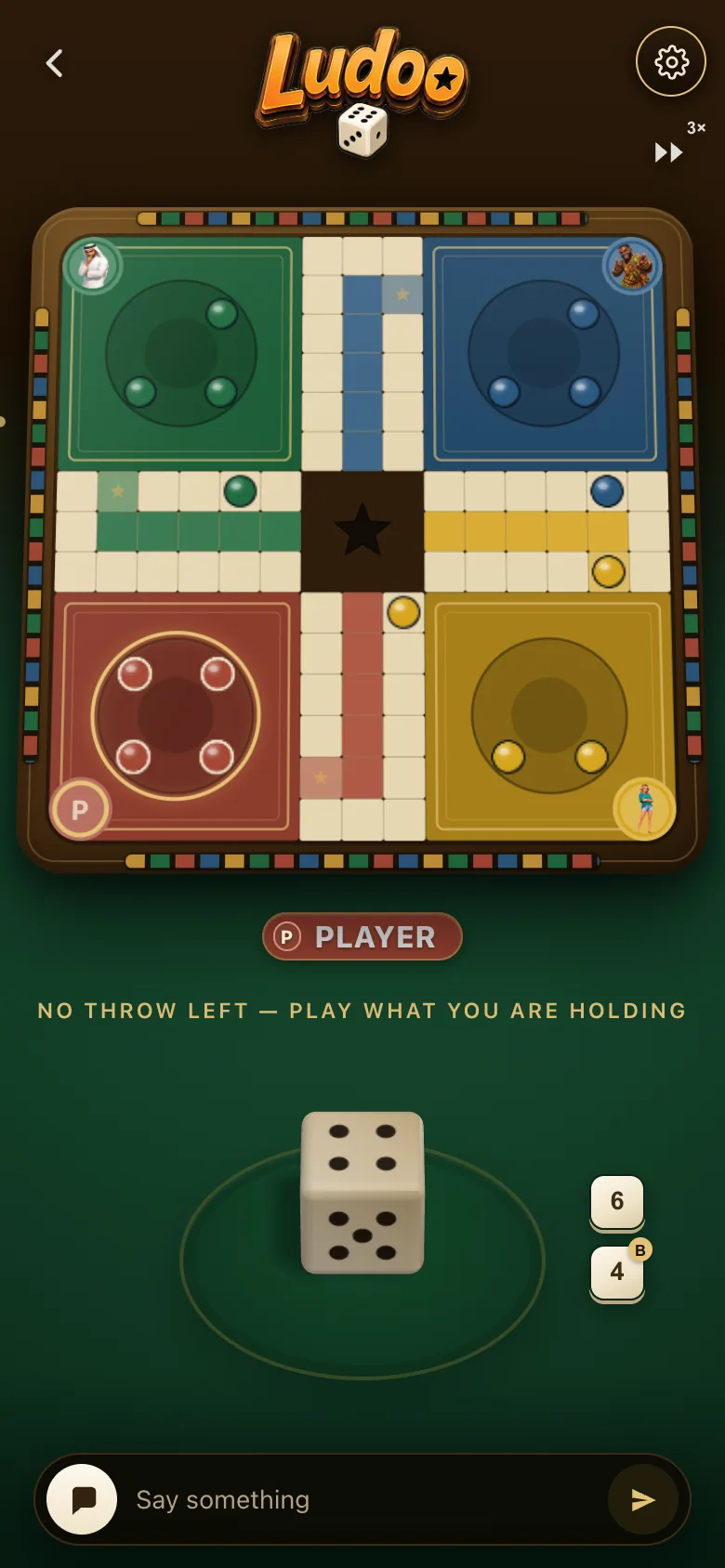
Solo and Pass & play work offline. Private online and Table Mode need a connection.
Is Ludoo on the App Store or Google Play?
Ludoo is in open beta on both, and anyone can install it: on iPhone through TestFlight, and on Android through early access on Google Play.
How do I install the iPhone beta?
Open https://testflight.apple.com/join/VJ4x2xAT on your iPhone. Install Apple's free TestFlight app if it asks, then install Ludoo from there.
How do I install the Android beta?
Open https://play.google.com/store/apps/details?id=app.ludoo.client on your Android phone and tap Install. Ludoo is in early access, so Google Play shows it as a beta.
Can I play without installing anything?
The shared board runs in any browser at table.ludoo.online, with nothing to install on the screen. Players scan the code with their phones, which opens Ludoo on each one.
Does Ludoo work offline?
Solo and Pass & play run in the app with no connection. Private online and Table Mode need one.
Is Ludoo free?
Yes. Every mode is free to play. Points, earned by playing or bought in the app, unlock dice, table themes and the opponent creator. They never buy a better die.