
Table Mode
The shared screen is the table.
Put the board on the biggest screen in the room. Everybody scans the code on it, and their own phone becomes their private controller — their dice, their choices, their settings. Nothing about your turn is on the wall where everyone can see it.
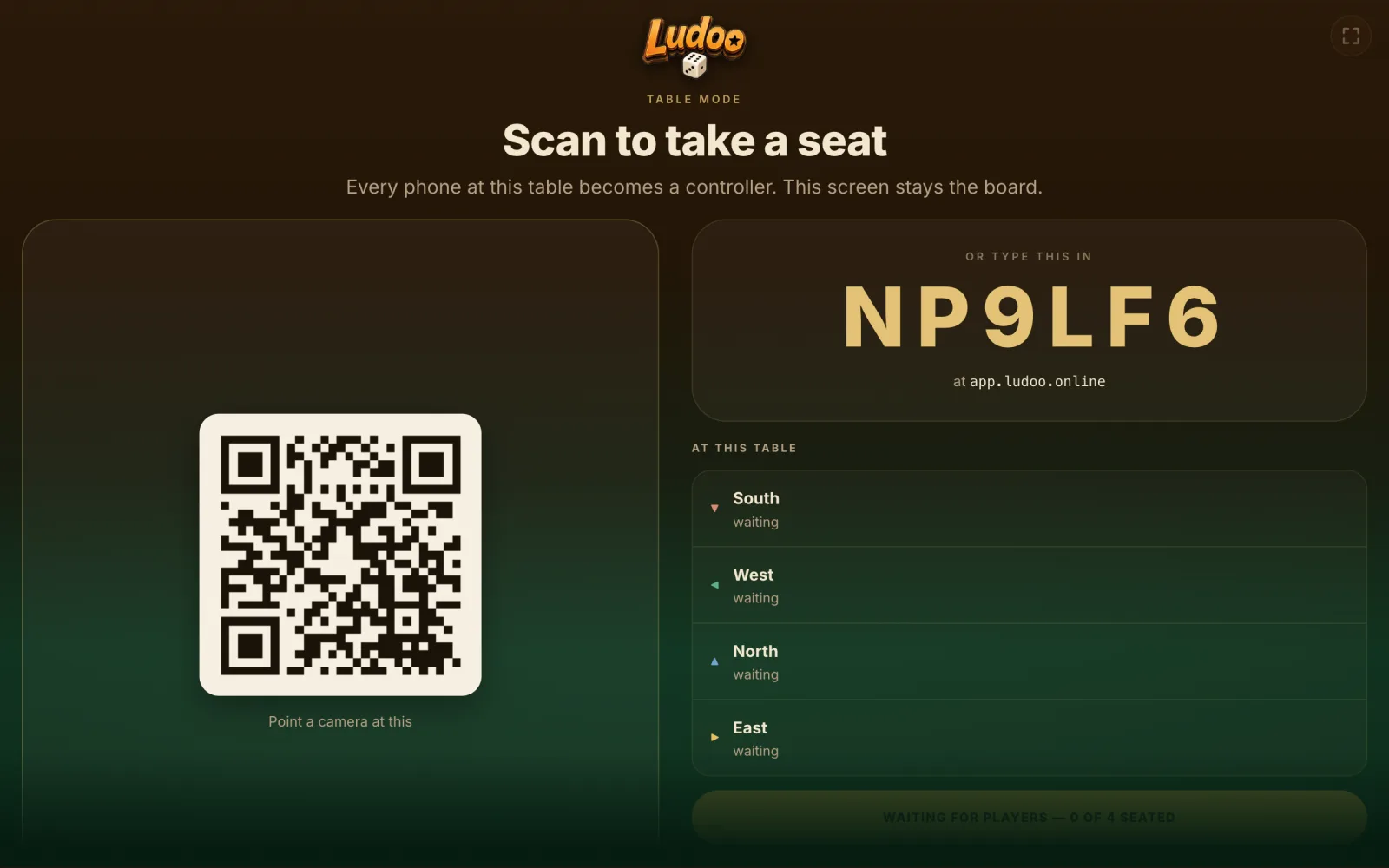
The board as it appears on a television. The code is read out; the square is scanned; the seats fill up.
Setting one up
- Open the board Go to table.ludoo.online on the television, the laptop, the tablet — whatever the room can see. No app, no account, no install.
- Everyone scans A QR code and a six-character code appear. Scanning opens the Ludoo app on that phone and puts it at this table.
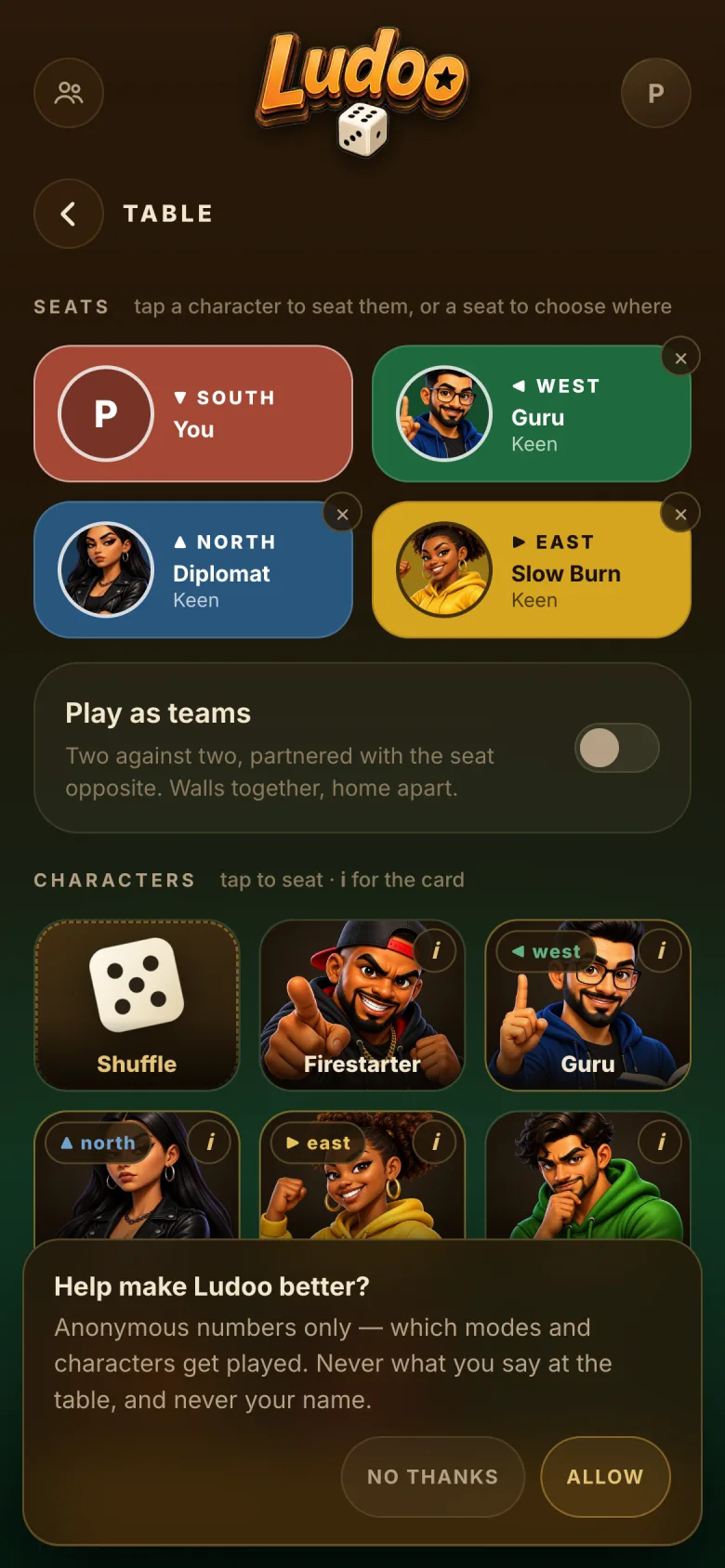
- Take a seat Four seats, filled in any order, by people or by characters. Anyone who is not in the room can join the same table from anywhere.
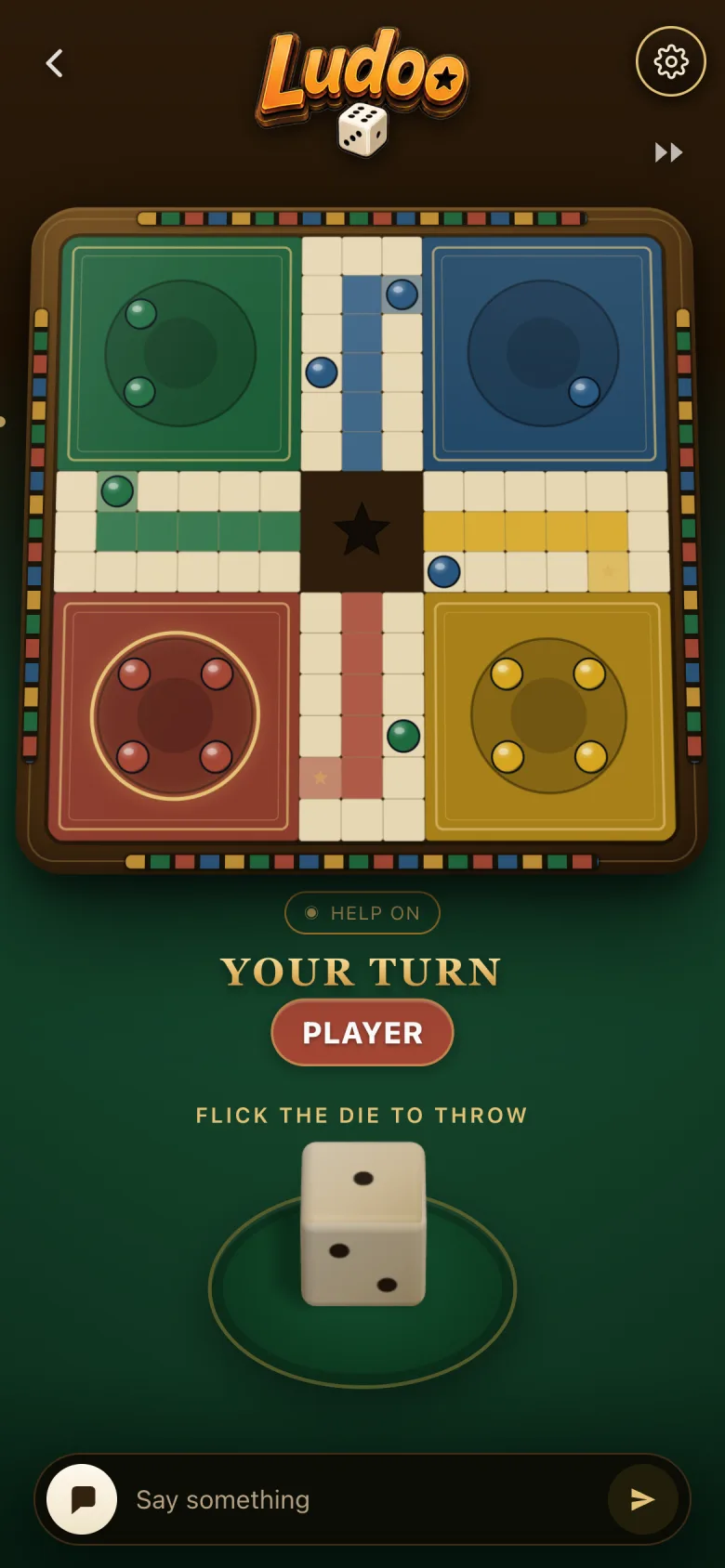
- Play The board stays on the shared screen. Flicks, choices and talk happen on the phones.
Somebody is always somewhere else
A table can be half in the room and half in another country, and the seats are worth exactly the same.
Three cousins on a sofa and one on a video call is the normal shape of a family game night, not an edge case. The shared screen shows who is in the room and who has joined from elsewhere; the match does not care, and neither does the scoreboard.
No install for the board
The shared screen is a web page. Nothing to download, nothing to sign into.
The phone keeps what is private
Your dice, your options, your settings. The wall shows the board and nothing else.
Leaving is not losing
Lose signal and your seat waits for you. A restart of the server does not end the match either.
The table outlives the match
Play again without setting anything up twice — same seats, same people.